

For coaches: How to activate your teams in GameChanger
Here’s how to add your team in the GameChanger app so your families can find it.
Log into the GameChanger app using the same email that you registered to volunteer with in SportsConnect! This is important because it’s the only way GameChanger will recognize you as associated with your NLL team.
Open the GC app and click on the + sign inside the circle at the top right to add your team.

Select “Import Sports Connect”
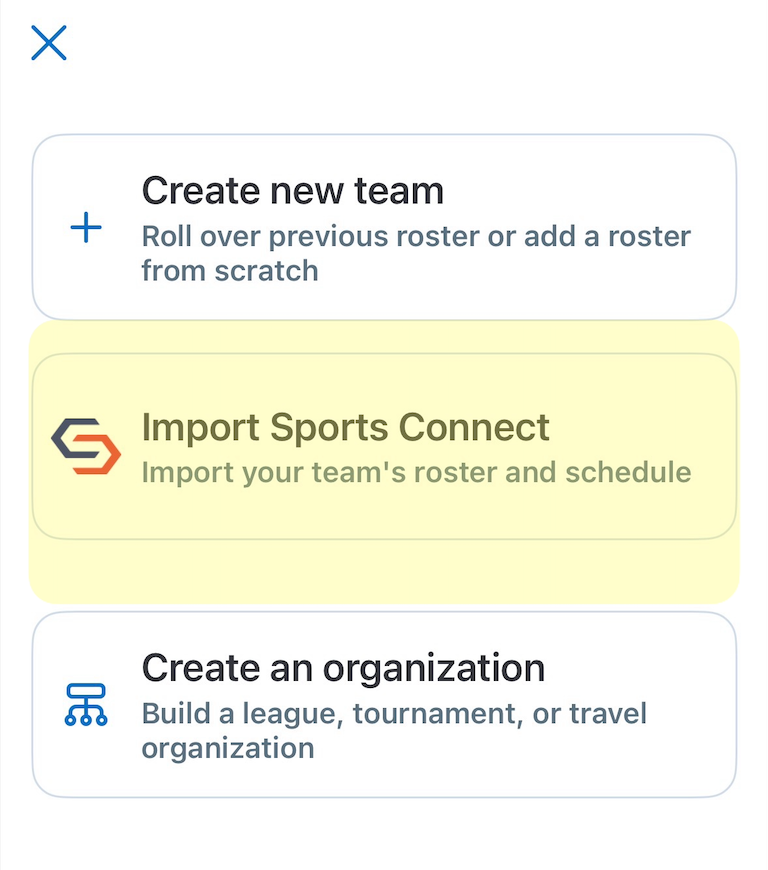
Select the box next to your team, then click “Import” in the top right corner of the app.

Once you’ve done this, you should be able to see your team on the home screen of your GC app, and it should mean your players and families should be able to find it as well, provided their GC account uses the same email as their Sports Connect account.
This is really important! Please reinforce this with them as it’s the No. 1 reason folks have issues.


Comments